When working with real world data in JavaScript, arrays are rarely clean and flat. Most of the time, you'll encounter nested arrays - which can make data processing messy. This blog break down how to flatten arrays, why is matters and how to approach it like a developer.
What are Nested Arrays?
A nested array is simply an array that contains other arrays as elements.
Example:
const arr = [1, 2, [3, 4], [5, [6, 7]]];
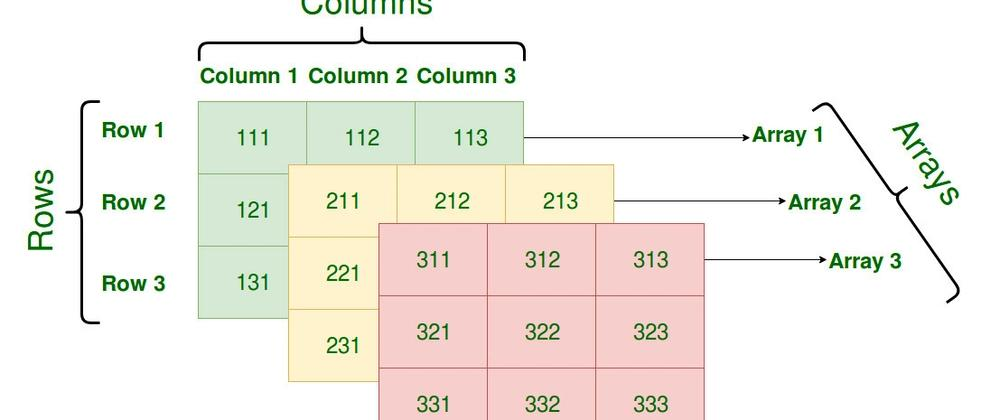
you can think of it like a tree,
Top level --> [1, 2, ....., .....]
Inside --> more arrays
inside those --> even deeper arrays
Why Flattening Arrays Is Useful
Flattening means converting a nested array into a single-level array.
Example:
Input:  [1, 2, [3, 4], [5, [6, 7]]]
Output: [1, 2, 3, 4, 5, 6, 7]
Where this helps:
API responses (often deeply nested)
Data processing pipelines
Rendering lists in UI
Simplifying loops and conditions
Without flattening, you end up writing complex nested loops — which quickly becomes unreadable.
Concept of Flattening Arrays
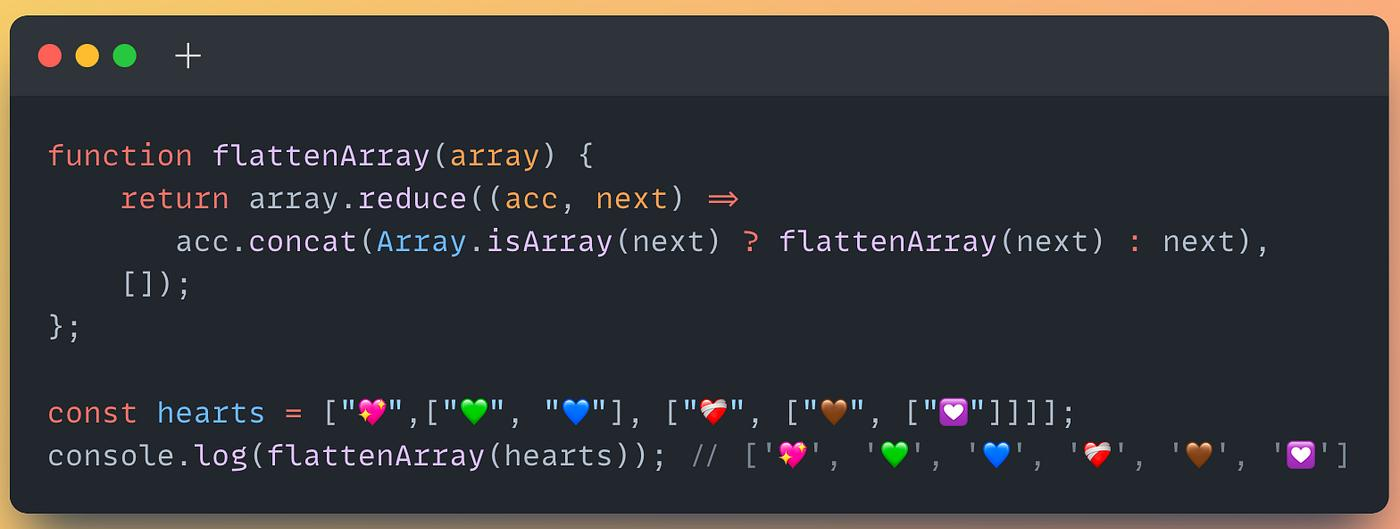
At its core, flattening is about ,
if it's a value --> keep it
it its an array --> break it down further.
step by step idea,
Start with an empty result array
Traverse each element
If element is ,
Not an array --> push it
Array --> recursively flatten it
Different approaches to Flatten Arrays
Using
.flat()(Built-in-Method)const arr = [1, 2, [3, 4], [5, [6, 7]]]; const result = arr.flat(2); console.log(result) // [1, 2, 3, 4, 5, 6, 7]flat(depth) controls how deep to flatten
Infinity can flatten completely
arr.flat(Indinity)JavaScript internally handles recursion for us. Clean and readable.
Using Recursion (Core Understanding)
function flattenArray(arr) {
  let result = [];

  for (let item of arr) {
    if (Array.isArray(item)) {
      result = result.concat(flattenArray(item));
    } else {
      result.push(item);
    }
  }

  return result;
}

const arr = [1, [2, [3, 4]], 5];

console.log(flattenArray(arr));
// [1, 2, 3, 4, 5]fdfd
Using
reduce()const arr = [1, [2, [3, 4]], 5]; const flatten = (arr) => arr.reduce((acc, item) => { return Array.isArray(item) ? acc.concat(flatten(item)) : acc.concat(item); }, []); console.log(flatten(arr));
Performance Consideration (Hidden Cost)
Flattening isn’t always “free”.
Recursive solutions can cause call stack overflow for very deep arrays
concat()creates new arrays → extra memory usage.flat(Infinity)is clean but may be slower on huge datasets
Insight to add:
For deeply nested or large data, iterative (stack-based) approaches are safer and more memory-efficient.
Iterative (Stack-Based) Flatten — Simple Example
Instead of recursion, we use a stack to manually control the process.
Example Input
const arr = [1, [2, [3, 4]], 5];
Step-by-Step Idea
Think like this:
Put everything into a stack
Take one item at a time
If it’s an array → break it and push back
If it’s a value → store it
Code
function flattenArray(arr) {
  const stack = [...arr];   // copy input
  const result = [];

  while (stack.length > 0) {
    const item = stack.pop();

    if (Array.isArray(item)) {
      stack.push(...item);  // break array into stack
    } else {
      result.push(item);    // store value
    }
  }

  return result.reverse();  // fix order
}

console.log(flattenArray([1, [2, [3, 4]], 5]));
// [1, 2, 3, 4, 5]
Choosing the correct depth is important — over-flattening can sometimes remove meaningful structure in data.